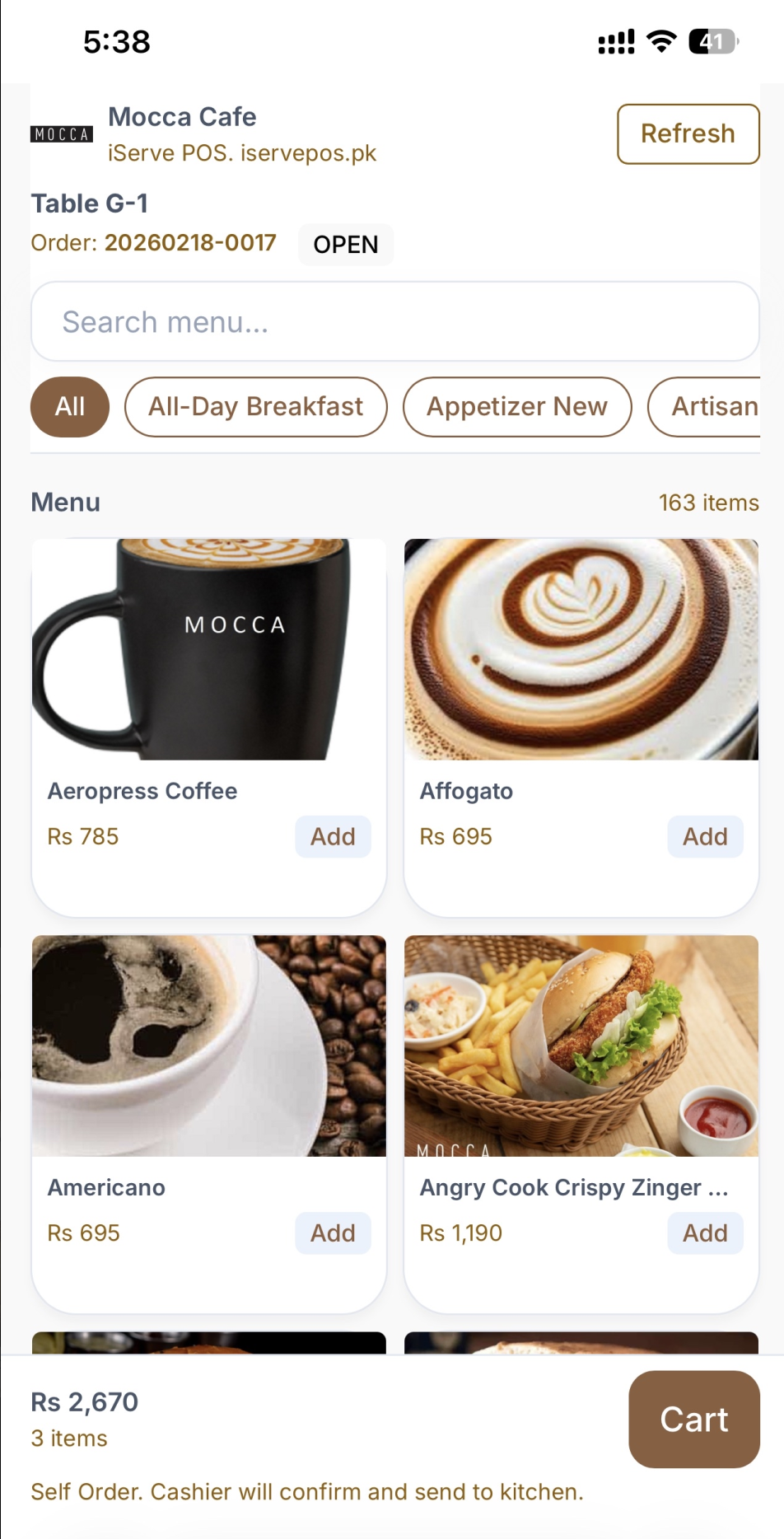
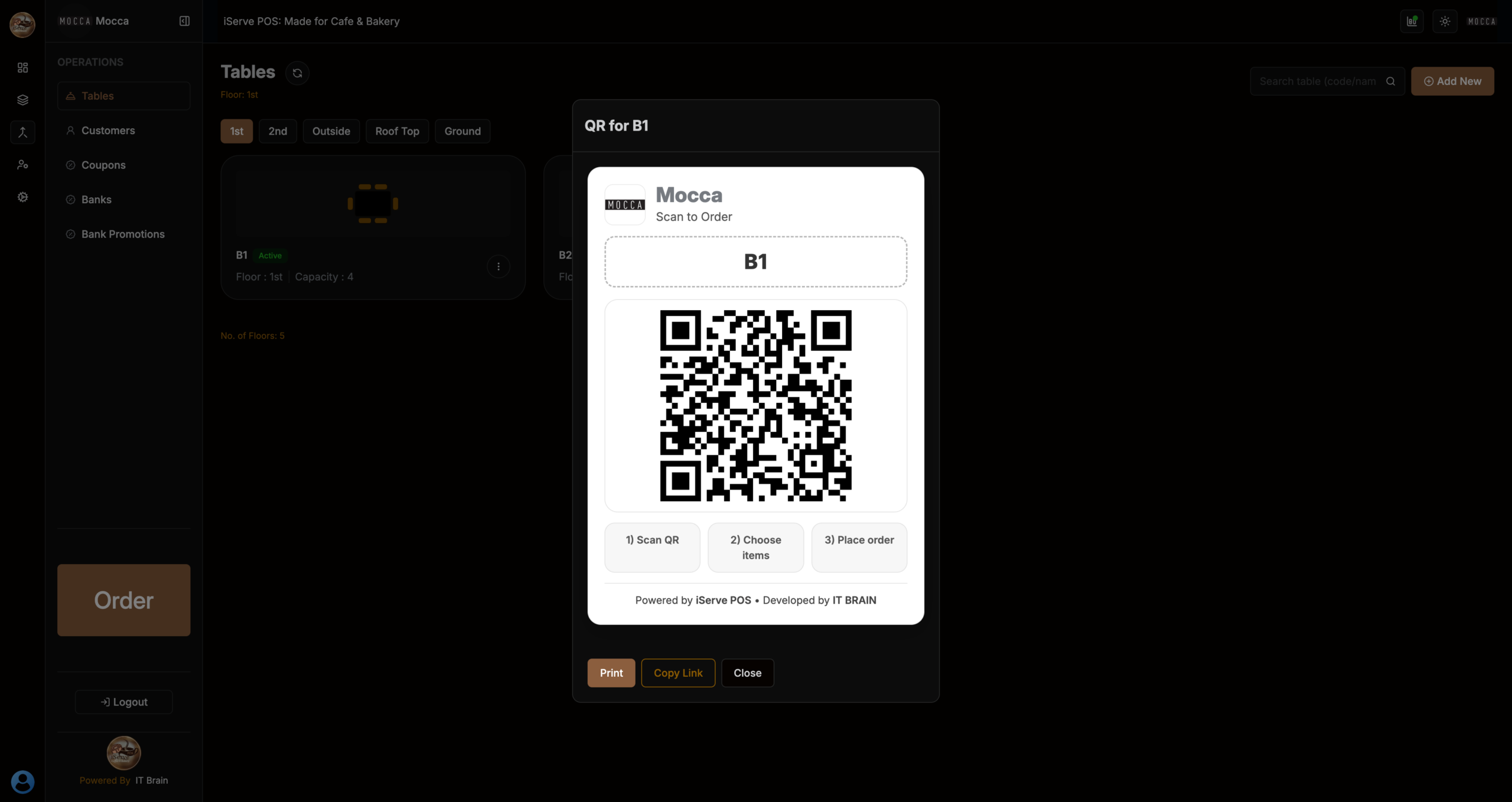
QR menu ordering for dine-in tables allows guests to scan a QR code, view the menu, and place orders directly from their phone. iServe POS sends orders instantly to the kitchen, reducing wait time and order mistakes.
Use cases
Built for rush hours
iServe POS is designed for cafés where speed matters. Run billing on LAN/offline, keep the counter moving, and never pause sales because of internet.
Built for smoother dine-in
Table-based QR (each table has its own code)
Guests view menu, choose items, and place order
Less crowd at counter during rush hours
Works on local Wi-Fi/LAN (perfect for cafés)
Customizable for your flow
Separate registers (cash counter vs takeaway counter)
Set payment methods (Cash/Card/Bank)
Control who can void/discount with permissions
Print settings per device (receipt/kitchen)
Drill down, zoom out
See how much ordering came from QR vs cashier
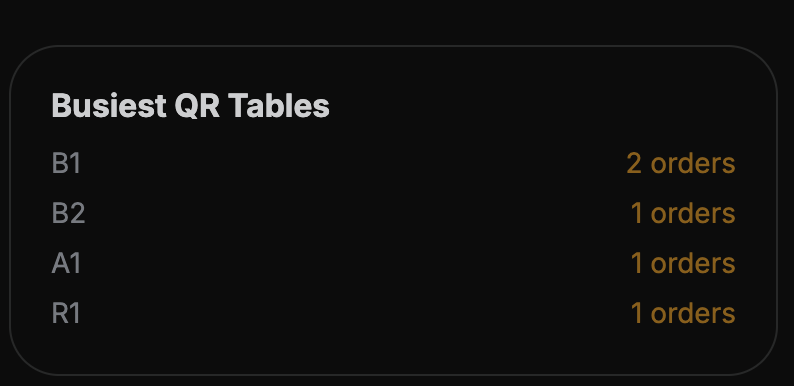
Track top QR items and busiest tables
Reduce ordering mistakes with clearer requests
Export summaries for owner review
Why QR Ordering Matters for Cafés
During busy hours, staff shouldn’t be running back and forth just to take orders. QR menu ordering lets customers browse, decide, and place orders themselves — while your cashier and kitchen stay focused on speed and accuracy.
What our users say
“Nextsaas delivered our entire platform ahead of schedule—flawless execution and real partnership.”
“Workflow Automation helped us eliminate hours of manual work each week. Now, our ops team can focus on strategic initiatives instead of button-clicking.”